⚠️ Why am I getting barrier blocks?
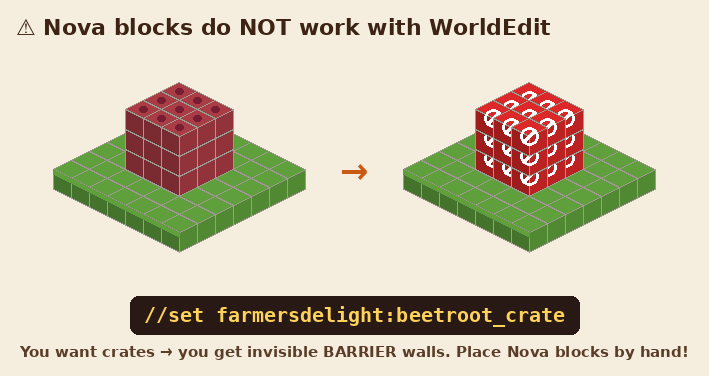
WorldEdit only knows normal Minecraft blocks. If you use a Nova block (crates, machines, cables, anything from /nova items), WorldEdit can't build it and you get invisible barrier walls you can get stuck in. The server now stops those commands and tells you why.
//replace barrier air, or //undo right after a mistake. Place Nova blocks by hand.1. 📦 Pick a box
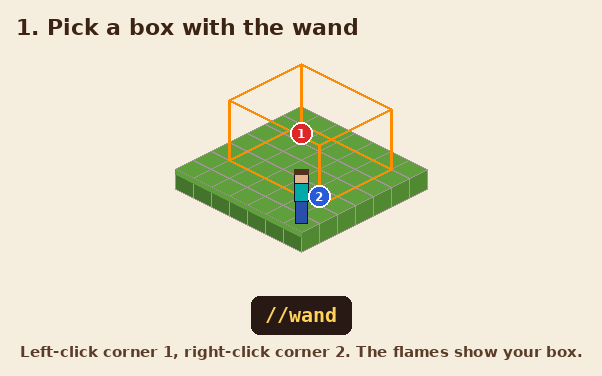
Type //wand to get the wooden axe. Left-click one corner, right-click the opposite corner. The orange flames show exactly what the next command will change.
2. 🧱 Fill it
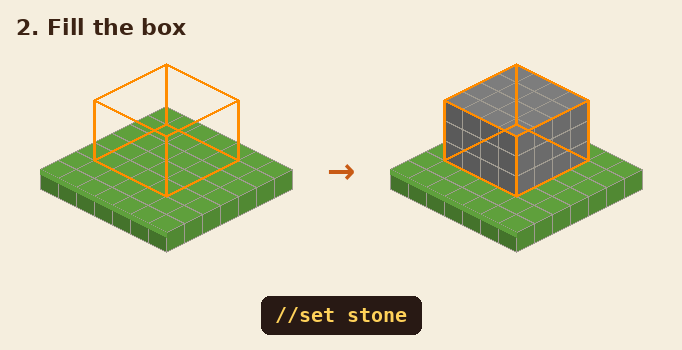
//set stone fills the whole box. Try //set 50%stone,50%andesite for a mix, or //set air to empty it.
3. 🏠 Walls and rooms
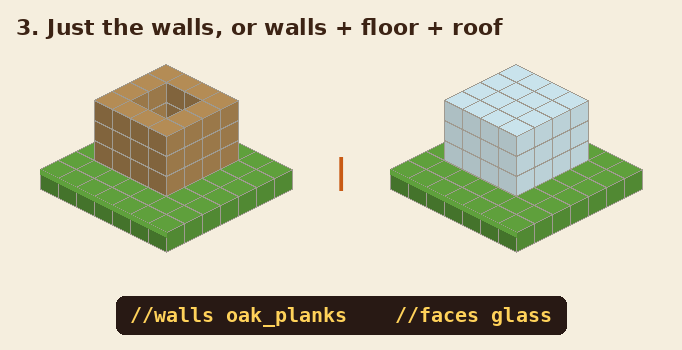
//walls oak_planks builds only the 4 sides. //faces glass adds the floor and roof too (a glass box!).
4. 🔄 Swap blocks
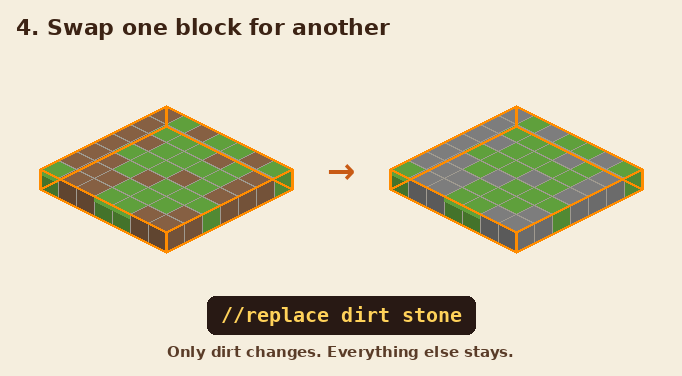
//replace dirt stone changes only the dirt inside your box. Everything else stays.
5. 🔵 Shapes
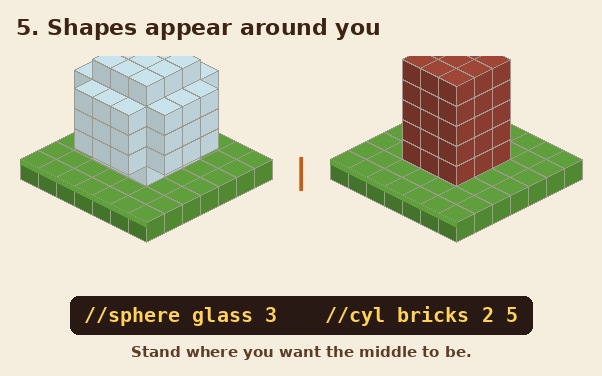
Shapes are built around where you stand. //sphere glass 3 makes a ball (3 = radius). //cyl bricks 2 5 makes a pillar 2 wide and 5 tall. Add an h for hollow: //hsphere, //hcyl.
6. 📋 Copy & paste
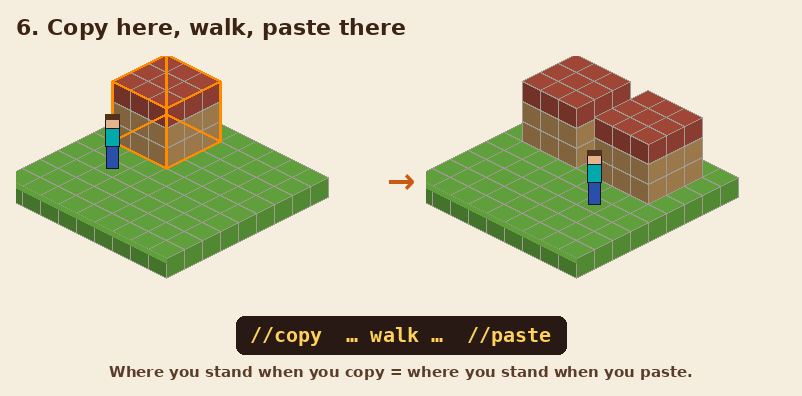
Select your build, stand next to it and type //copy. Walk to the new spot and type //paste. It lands in the same place compared to you. Use //rotate 90 before pasting to turn it.
7. 🔁 Repeat
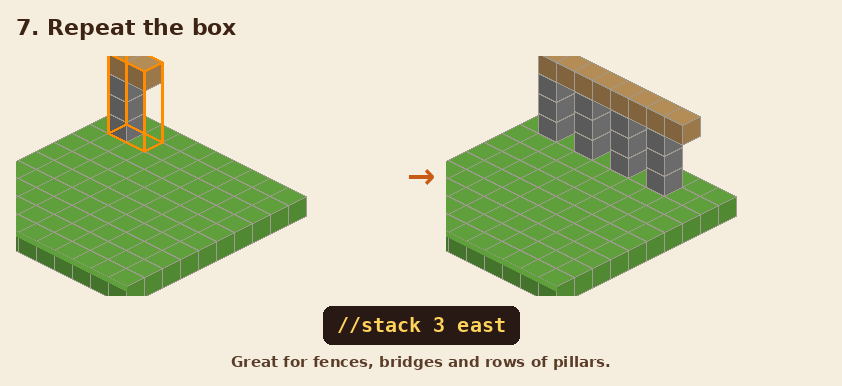
//stack 3 east copies your box 3 more times in a row. Perfect for fences, bridges and pillars.
8. 🖌️ Brushes
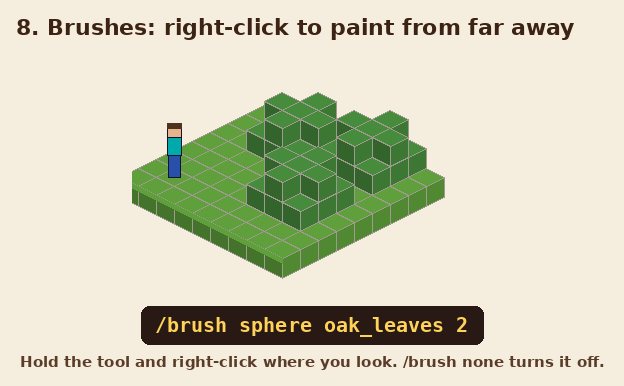
Hold any tool and type /brush sphere oak_leaves 2. Now right-click where you look to paint balls of leaves, even far away. /brush none turns it off.
/brush paint sphere 3 50 set grass_block sprinkles blocks on the ground, and /brush apply sphere 3 item bone_meal uses an item on every block (like bone meal on grass).9. ↩️ Undo
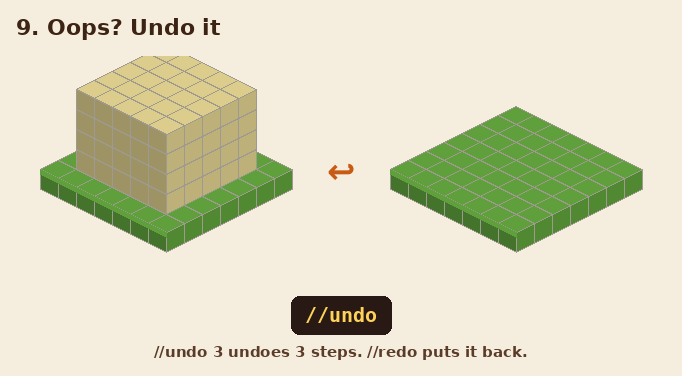
Made a mistake? //undo takes back your last command. //undo 3 takes back 3. //redo puts it back.